Table of content
Visualizador de pdf
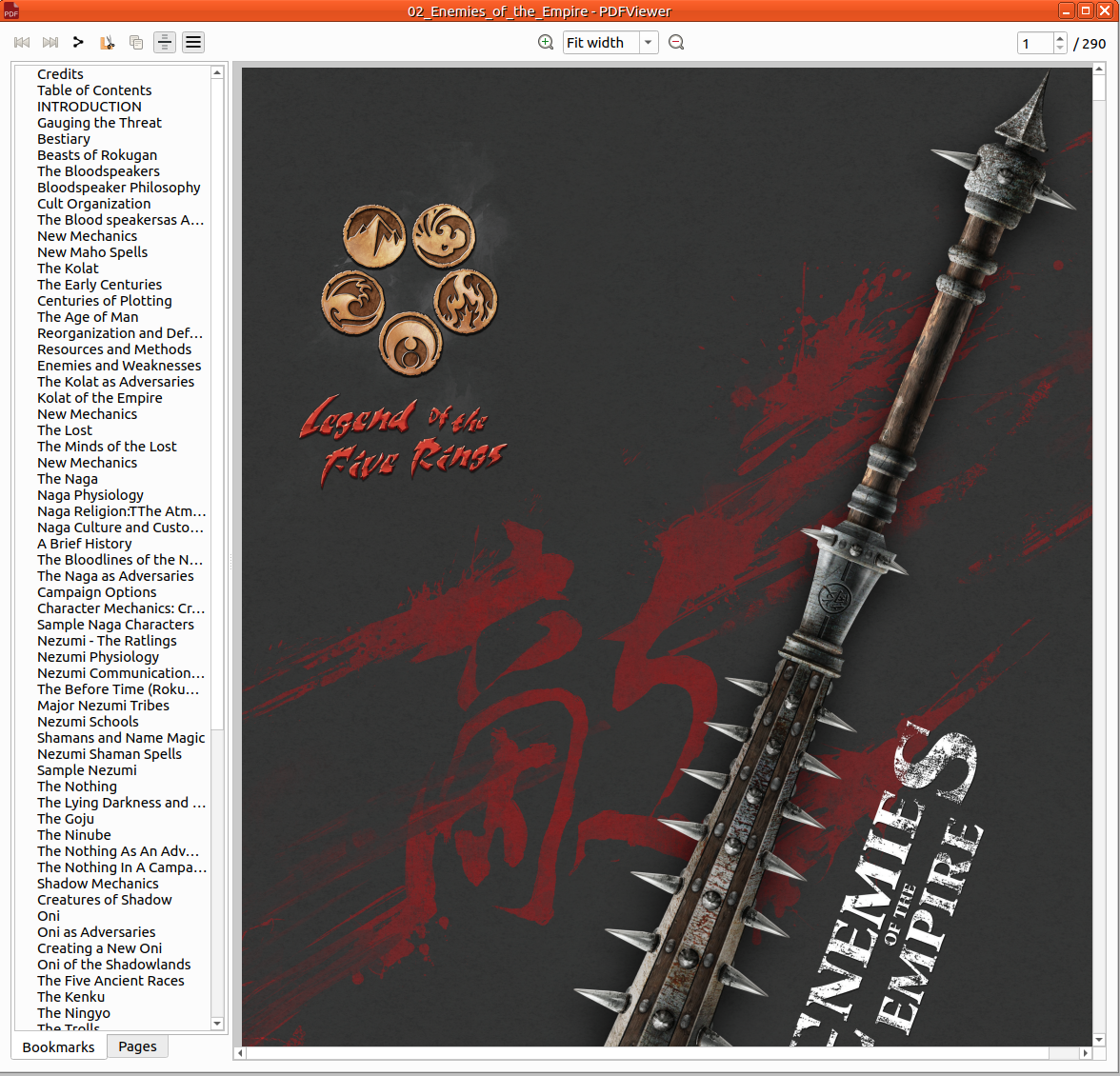
Carregar PDF no rolisteam.
Abrir
A partir do menu
Abrir um arquivo PDF é fácil. Basta clicar em Arquivo > Abrir > PDF. Em seguida, selecione o arquivo no seu computador.
Arrastar e soltar
Basta arrastar e soltar qualquer arquivo PDF no Rolisteam e o arquivo será exibido.
Selecionar a zona e compartilhá-la como imagem:
Você precisa selecionar, copiar e colar a imagem. Selecione e copie do PDF e cole na janela principal. Você também pode colar em um mapa ou mapa mental.
Compartilhar PDF
O Rolisteam oferece recursos de compartilhamento de PDFs. Você pode compartilhar o documento inteiro clicando em: