Table of content
Visore PDF
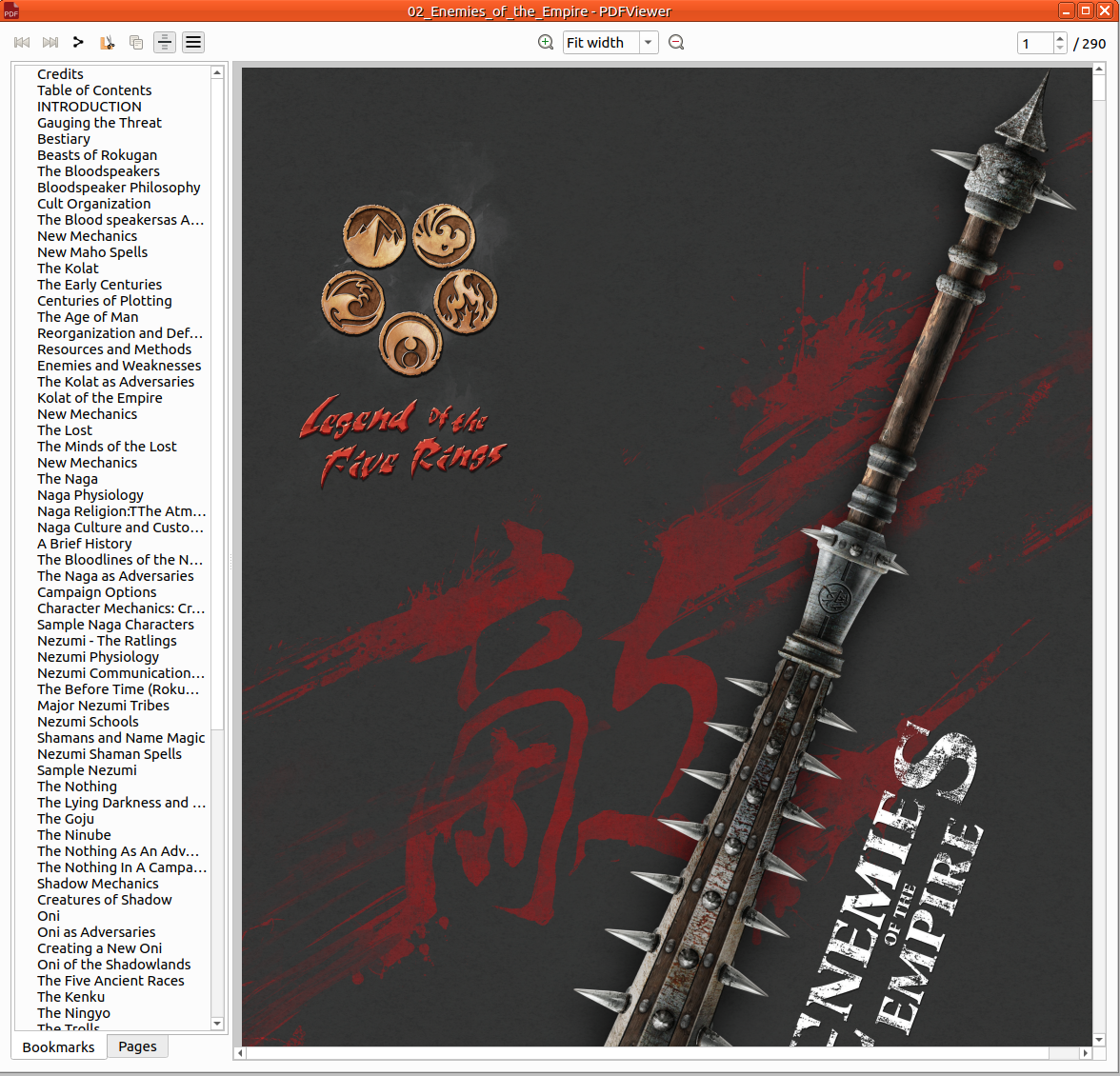
Load PDF in rolisteam.
Aprire
Da menu
Open up PDF file is easy. Just click on file > open > PDF. Then select your file on your computer.
Trascinamento e rilascio
Just drag and drop any PDF file into Rolisteam then the file is displayed.
Select zone and share it as Image:
You have to select, copy and paste the image. Select and copy from the PDF and paste it into the main window. You can also paste it into map or mind map.
Share PDF
Rolisteam provides PDF sharing features. You can share the whole document by clicking on: