 Table of content
Resumen
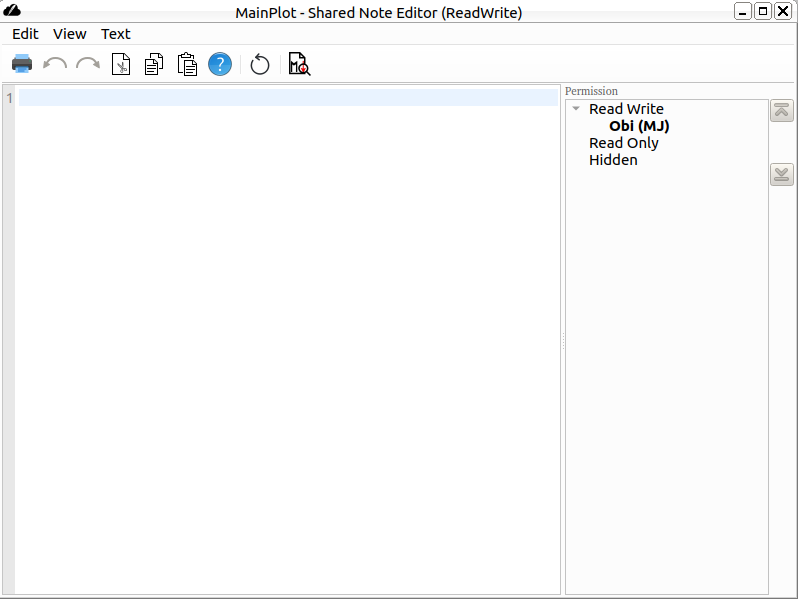
Shared note is collaborative text editor where anyone can amend the document. The editor supports plain text and markdown.
Funciones
- Edición colaborativa
- Deshacer/rehacer
- Cortar/copiar/pegar
- Find All
- Find
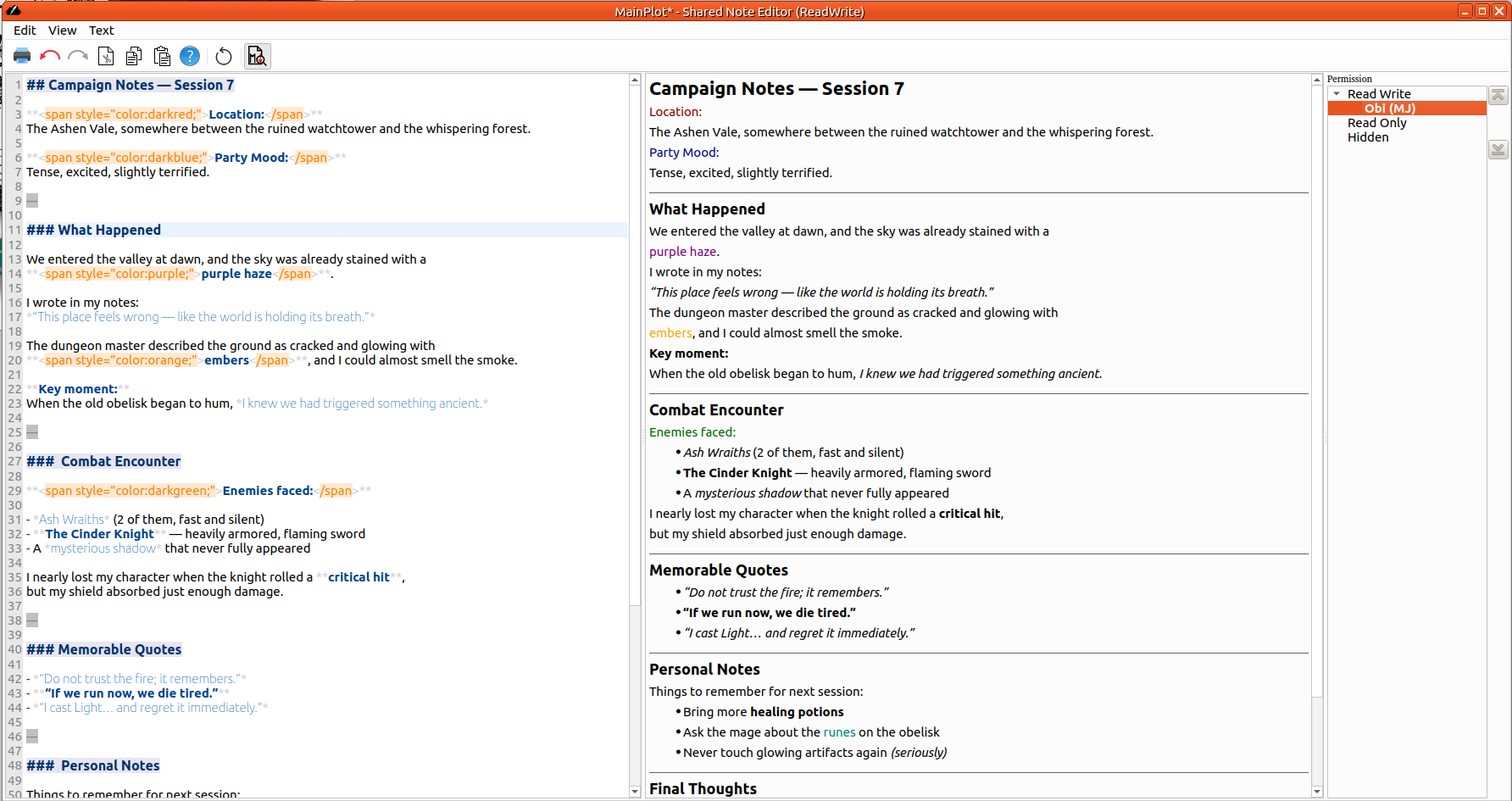
- Resaltado de sintaxis (markdown)
- Vista previa de markdown
- Imprimir
- Comment or uncomment line
- Shift Left/Right selected text
Permiso
The Participants panel is only visible for the document's owner. It manages permission for each player. By default, the document is not shared to anybody. The owner may give reading permission and then, the shared editor appears on player's screen. The content is visible and updated if the owner changes it.
Then, the owner may give write permission to someone who has reading permission. Then user may write on the document.
The owner may remove permission. Having no permission means the editor disappears from user's screen.
Markdown
The shared note editor manages markdown formatting. It is light syntax to get well-defined text.
Ejemplo:
# Header1

## Header2

* List 1
* List 2
* List 3

**Bold**
*italic*
To enable the syntax highlighting: Edit > Syntax Hightlighting > Markdown
Vista previa
Shared Note provides markdown preview panel. To make it visible, you can either click on the toolbar button or from the menu Edit > Markdown Preview
Sintaxis
Take a look to the Markdown syntax.
Autores
The shared notes editor is based on cahoots editor, written by
- Emily Dimpfl
- Anandi Hira
- David Vega
Preguntas frecuentes
How to write rich text ?
Markdown supports inline HTML. So in order to define color or font size, you may do something like that:
<span style="color:darkblue;">Text in blue:</span>