 Table of content
Pàgina web
Obri
Des del menú: Fitxer > Obri > Pàgina web. Este diàleg obrirà: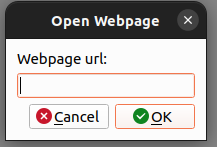
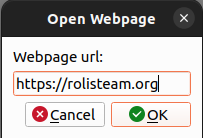
Després cliqueu damunt D'acord: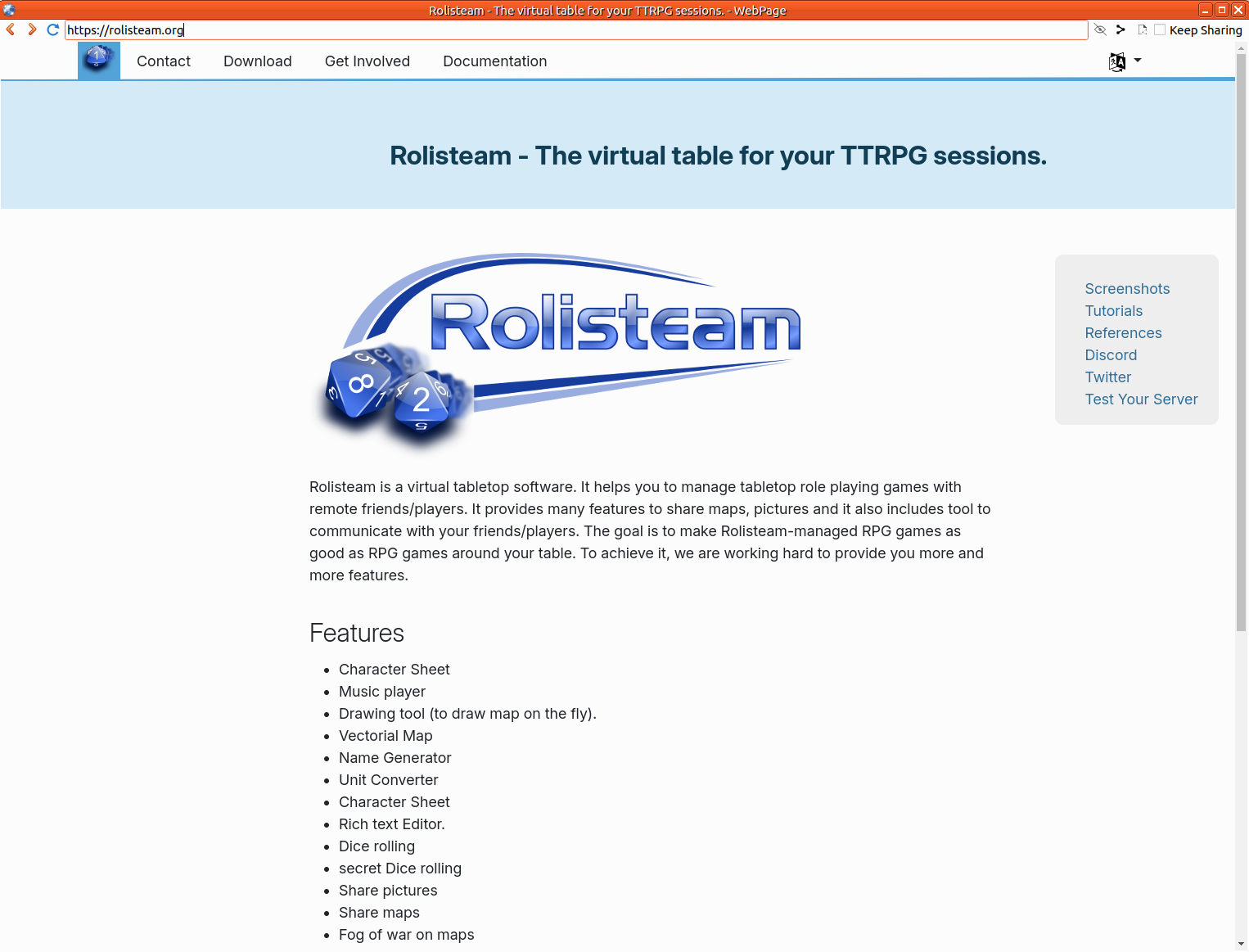
El jugador i el DJ poden obrir una pàgina web. Este visor de pàgines web proporciona funcions bàsiques de navegació com la pàgina anterior, Anar avant, camí d'URL.
Característiques
- Visor intern de pàgines web
- Arrere
- Avant
- Torna a carregar
- Barra d'URL
- Oculta l'URL
- Compartir com a HTML
- Compartir com a URL
- Mode de compartició continu (manté la compartició)
Compartiu
El director de joc pot obrir una pàgina web i compartir-la amb tots els jugadors. Hi ha opcions diferents sobre la compartició:
Compartiu normal
Bàsicament, la compartició es basa en el URL. De manera predeterminada, els usuaris poden clicar damunt de la pàgina per a anar fins a un altre lloc.
Com a HTML
Esta forma de compartició és útil si el director de joc té un document html a compartir. Com que este document no està allotjat al servidor web, Rolisteam oferix una manera d'enviar el document a tots els altres jugadors.
[opció] A continua
Sempre que el propietari del visor de la pàgina web clique damunt de la pàgina, tots els altres jugadors rebran el canvi i podran seguir la navegació pel lloc web. Si esta opció es pot desactivar (predeterminat), qualsevol jugador pot clicar damunt de la pàgina per a anar fins a una altra pàgina.