Table of content
Visor de PDF
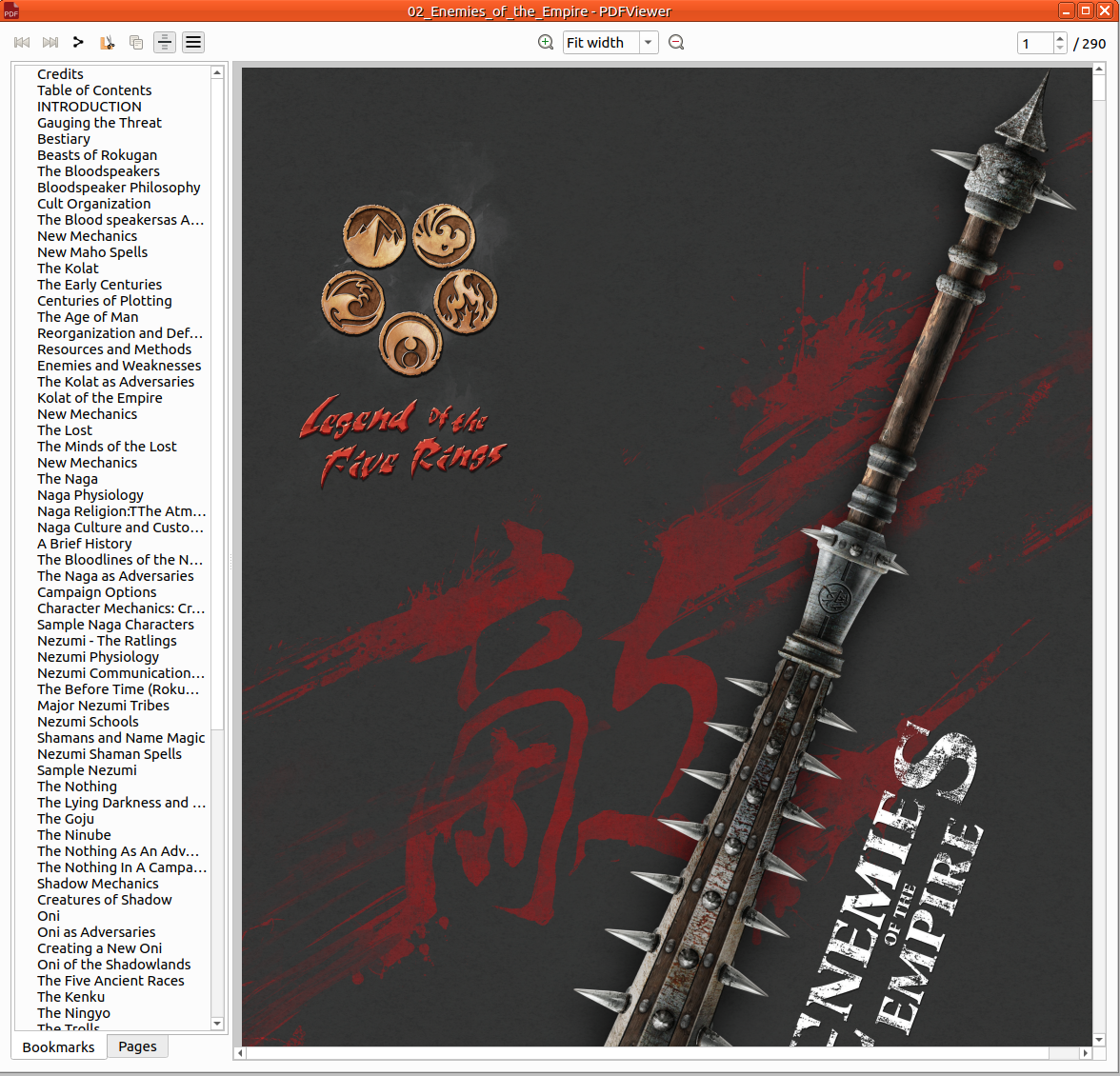
Carrega PDF en Rolisteam.
Obri
Des del menú
Obrir el fitxer PDF és fàcil. Només cal clicar damunt Fitxer > Obri > PDF. A continuació, trieu el fitxer a l'ordinador.
Arrossegar i deixar anar
Senzillament arrossegueu i deixeu anar qualsevol fitxer PDF a Rolisteam i es mostrarà el fitxer.
Trieu una zona i compartiu-la com a imatge:
Cal seleccionar, copiar i apegar la imatge. seleccioneu i copieu de PDF i apegueu-la a la finestra principal. També podeu apegar-la al mapa o al mapa mental.
Compartiu de PDF
Rolisteam proporciona funcions de compartició de PDF. Podeu compartir tot el document clicant en: