 Table of content
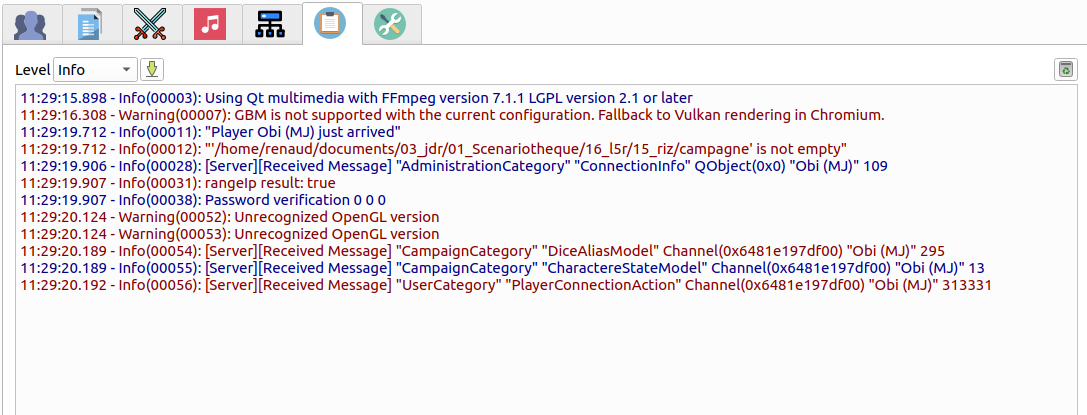
The events window is the log of all significant actions that take place during the game.
Level
There are 4 levels of logs:
- Error : display all error outputs
- Warning : display error and warnings outputs
- Debug : display error, warnings and debug messages
- Info : display all messages.
Save
You can save the log file into the campaign. Which is the default behavior. At the top level of your campaign, you should see a rolisteam.log file. It is all event of the campaign.
Clear
Clear up the current log list.
Format
In the notification area, the format is the following:
Time - Log Level: Log Category Messages
In the file, we have the following format:
DateTime;Log category;Log Level;log as in the notification area