 Table of content
Overview
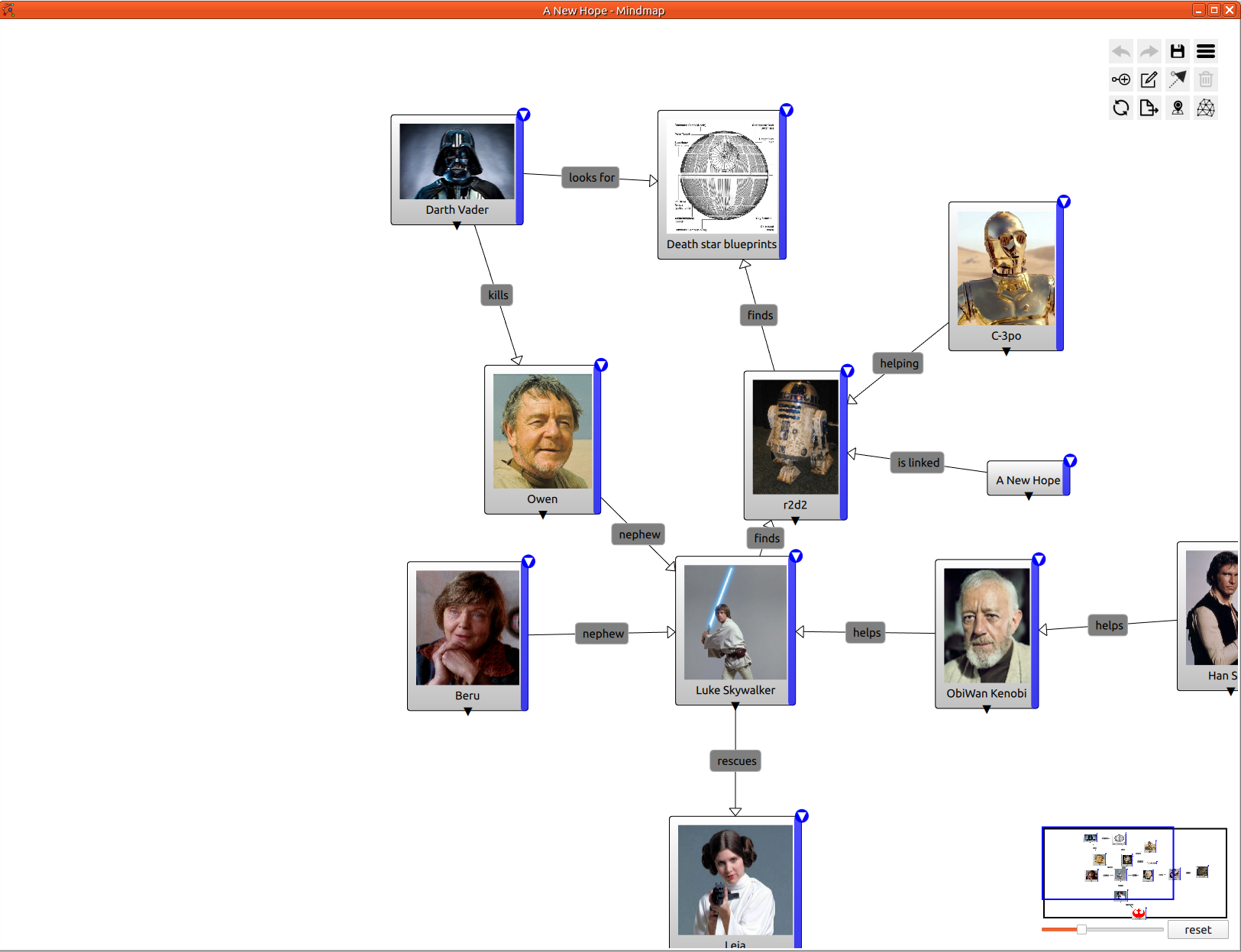
Mind map helps you to structure your thoughts. A really powerful tool to summarize relationship between items: Characters, places, objects or factions. Graphical and intuitive way to modelize a story.
Features
- Add/remove node
- Link between nodes
- Node Customization: color
- Packages
- Label on nodes, links and packages
- Automatic spacing
- Add Image to node
- Tags to node
- Permission management
- Sharing management
- Dark mode
- Hide link label
- Hide empty link label
- Mini mind map
- Zoom level
New Mindmap
To add mind map to the workspace, just click on main menu: File > New > Mindmap.
Then set the mind map name.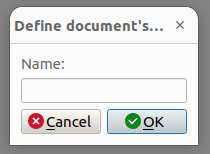
Finally, you will see the empty mindmap.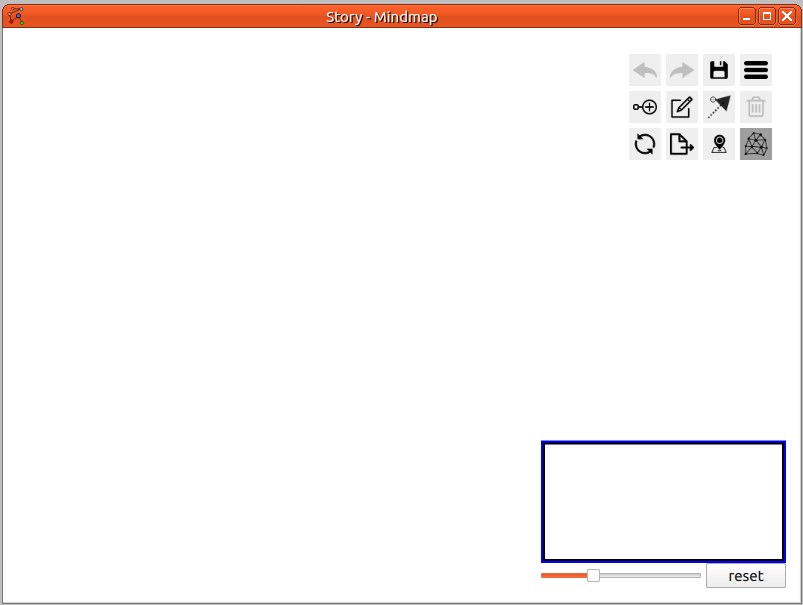
Add root node
Open the contextual menu by right-click on the mind map
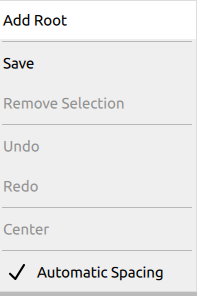
Click on Add Root, the first item of the contextual menu. Alternatively, clicking on the Add node button from the button grid (more details below).
Demos
Global
Final result:
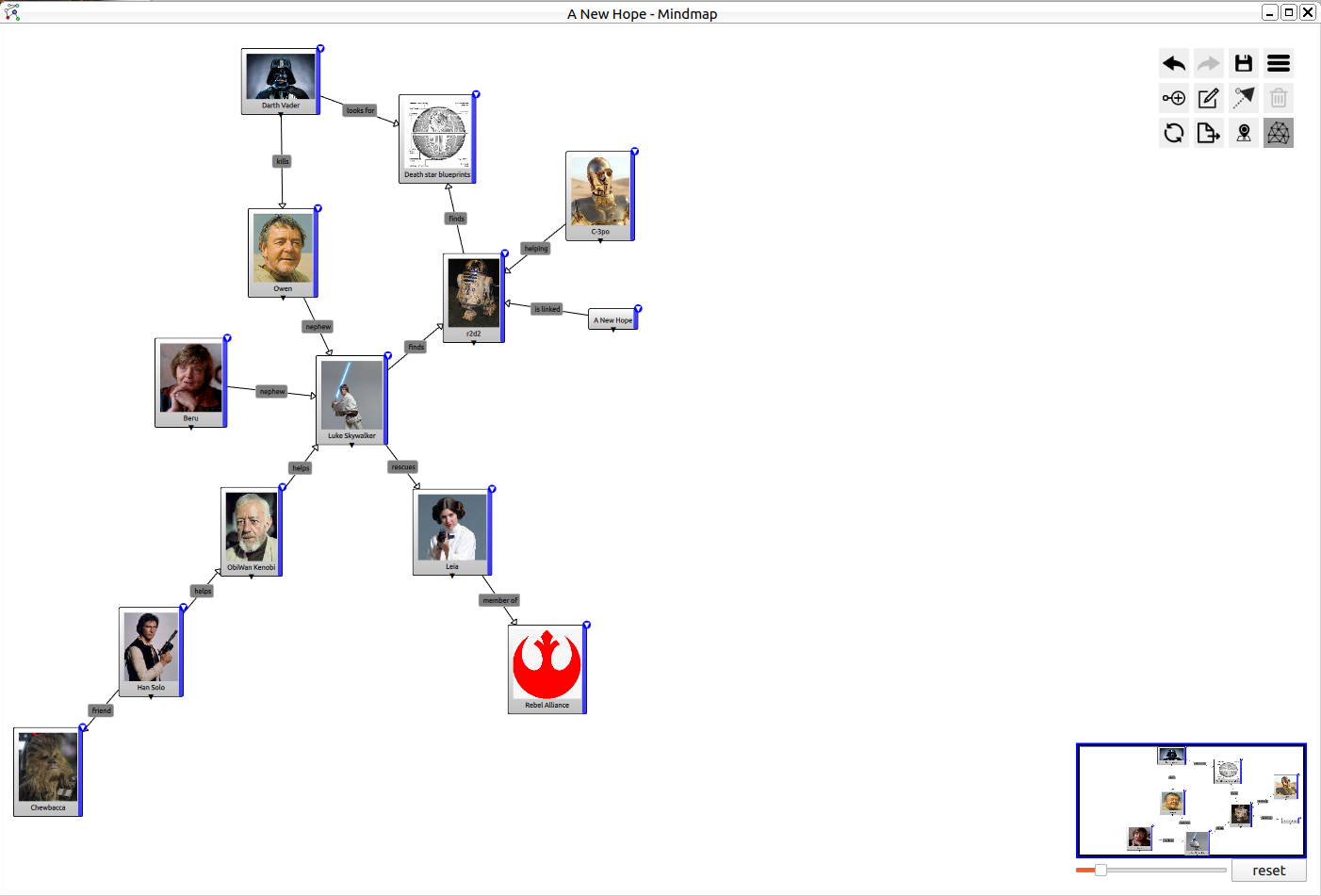
Add child node
To add child node, you need to click on the blue vertical bar on the right of the parent node.
Edit Label
Just double-click in the center of the node, to start editing the label.
Hide child
Click on the triangle at the bottom of the node to show or hide all children.
Show Menu
Click in the top-right corner button to show the menu.
Change Color
Click in the top-right corner button to show the menu then select the color you want. The change only affects the current node.
Parenting
Select parenting tool from the grid menu, then click on the parent and finally click on the child.
Reparenting
Select an item, then press Ctrl and drag the item to its new parent.
Add Node to Package
Select an item, then press Ctrl and drag the item to the package.
Grid Menu
In the top right corner, there are many buttons. Let's call that the grid menu.
| Icon | Description |
|---|---|
 | Undo: undo latest action |
 | Redo: redo latest undo action |
 | Save: save map on file system |
 | Settings: Show settings panel |
 | Add node to the mind map |
 | Add package to the mind map |
 | Add link between two nodes |
 | Delete: delete all selected nodes |
 | Refresh: request refresh data (from server) |
 | Export as PNG |
 | Hide Small map |
 | Auto spacing: enable the auto spacing between nodes |
Settings
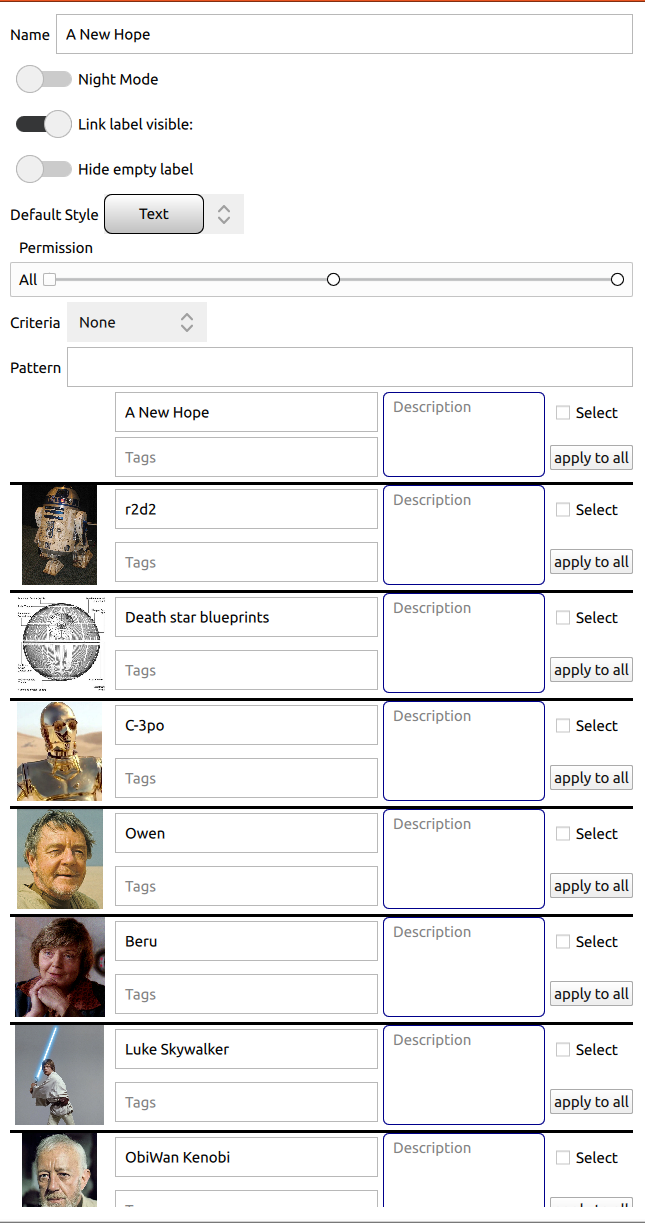
Name
Set or change the name of the current map.
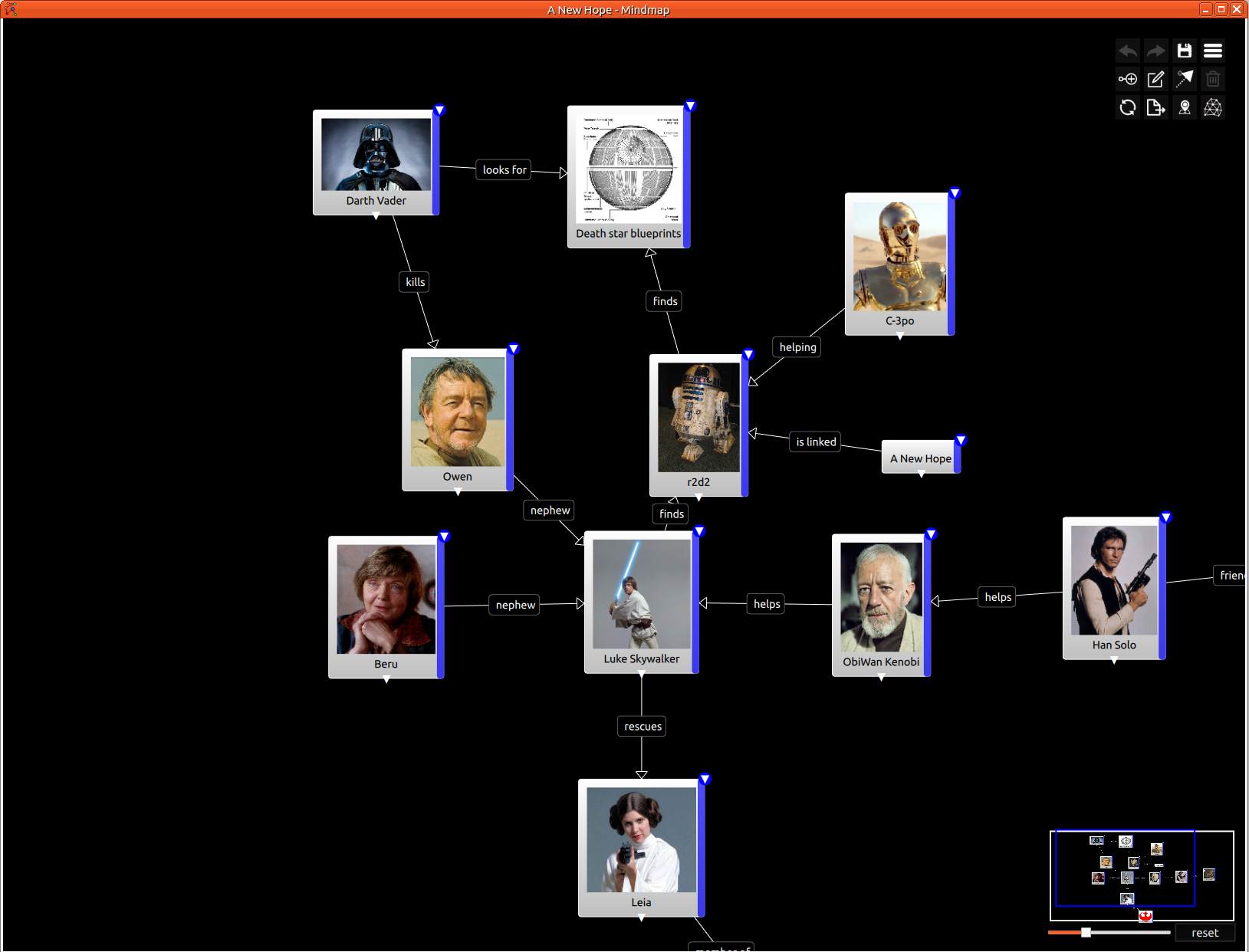
UI Mode
You can select the style of document.
| Light Mode | Dark mode |
|---|---|
|  |
Link label visible
Hide or show all link label. With complex mind map, it is sometime easy to read the map without link label.
Hide empty label
Hide label when they are empty.
Default style
Define the style used for all new nodes.
Permission
Share the mind map to players. You can specify permission globally or per player.
Search
Search for node. The search is based on name, description and tag.
Node List
List all nodes which fulfill the current search. No search, all nodes are displayed.